# Custom Background Design

Design your background in <mark style="color:orange;">**800 x 1300 (pixels)**</mark>

1. <mark style="color:orange;">**Download**</mark> our following template guide (png):

{% file src="<https://278174896-files.gitbook.io/~/files/v0/b/gitbook-x-prod.appspot.com/o/spaces%2FpH7f7qBXjb57cdLvfyxr%2Fuploads%2F1hrGvvwiQ4UDyeMLVx8N%2Fst_widget_bg_template.zip?alt=media&token=96e1b3e3-cf79-4608-8c39-f584d98e5a0d>" %}

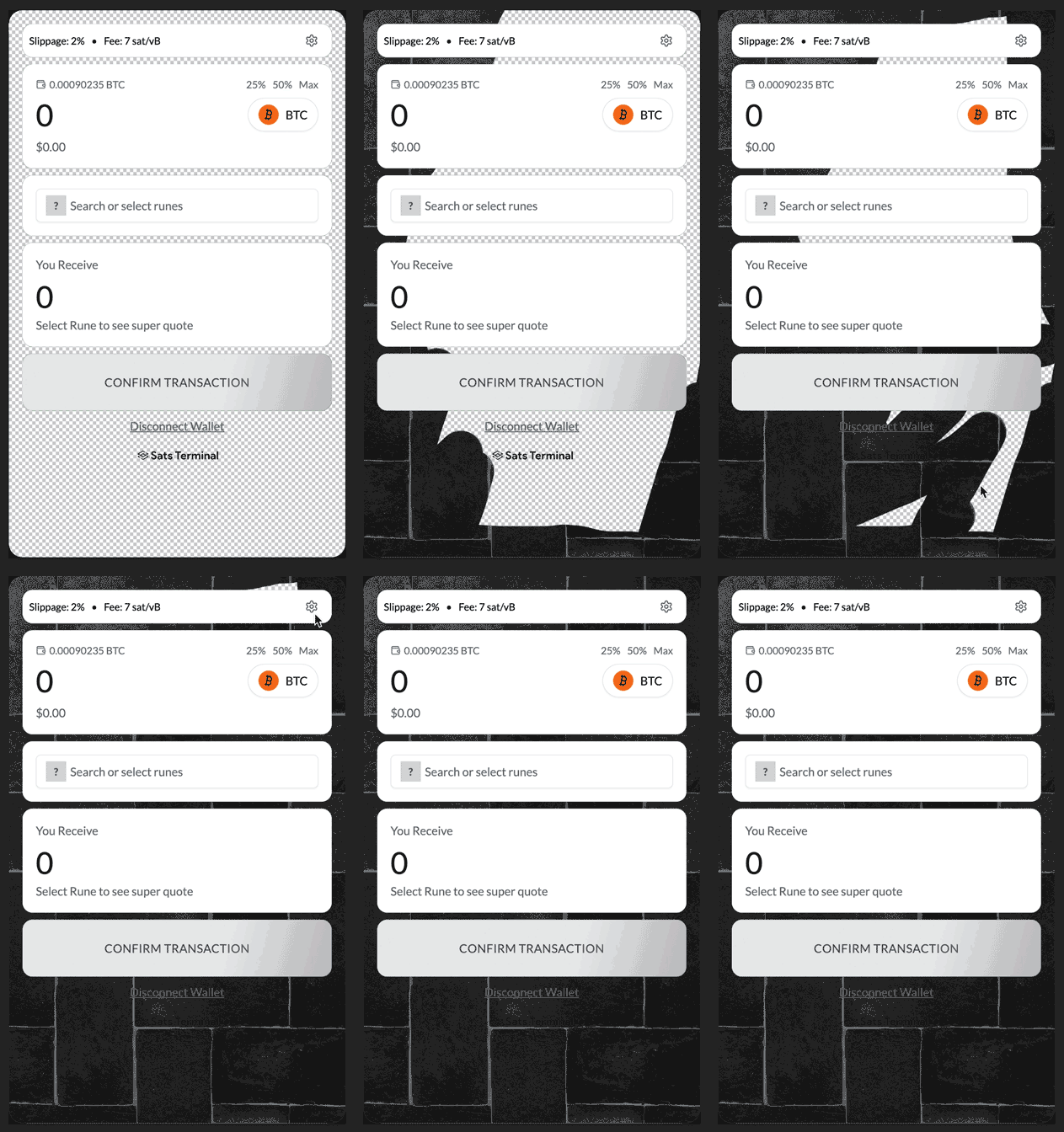
2. <mark style="color:orange;">**Design the background**</mark> to your liking using the guides to see where the buttons are and where it won't be visible. Try to make the <mark style="color:orange;">**design more simple at the bottom**</mark> or the design to leave room for the token image and the Sats Terminal logo, which will be either black or white at the bottom.

<figure><img src="https://278174896-files.gitbook.io/~/files/v0/b/gitbook-x-prod.appspot.com/o/spaces%2FpH7f7qBXjb57cdLvfyxr%2Fuploads%2FZWWE10gYG4mKnHSmwpi8%2Fbackground-creation.gif?alt=media&#x26;token=83a10a8d-1668-4ba4-b9a6-80e67c1c95c6" alt="" width="211"><figcaption><p>Designing with the png template</p></figcaption></figure>

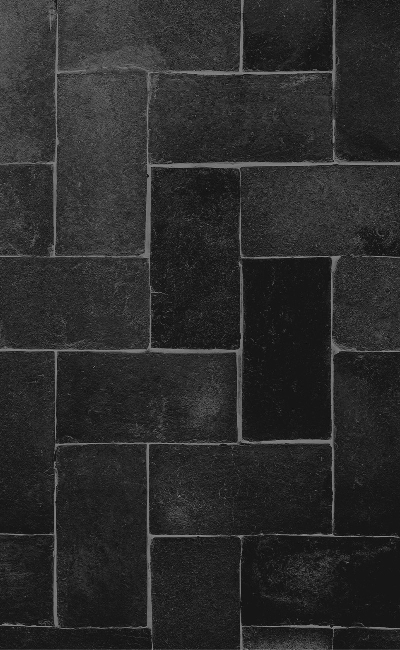
3. Make sure that the final image that you save for upload <mark style="color:orange;">**does not show the panel guides**</mark>.

<figure><img src="https://278174896-files.gitbook.io/~/files/v0/b/gitbook-x-prod.appspot.com/o/spaces%2FpH7f7qBXjb57cdLvfyxr%2Fuploads%2FtW0irY3LpoHEshafcgY7%2Fbackground.jpg?alt=media&#x26;token=ace222cd-3822-47c9-9fed-1c8dbf47d233" alt="" width="200"><figcaption><p>Custom BG ready for upload</p></figcaption></figure>