# Embedding Your Widget
To embed your widget into your site, use the the HTML code tags in from the **Share Widget** panel. \
\
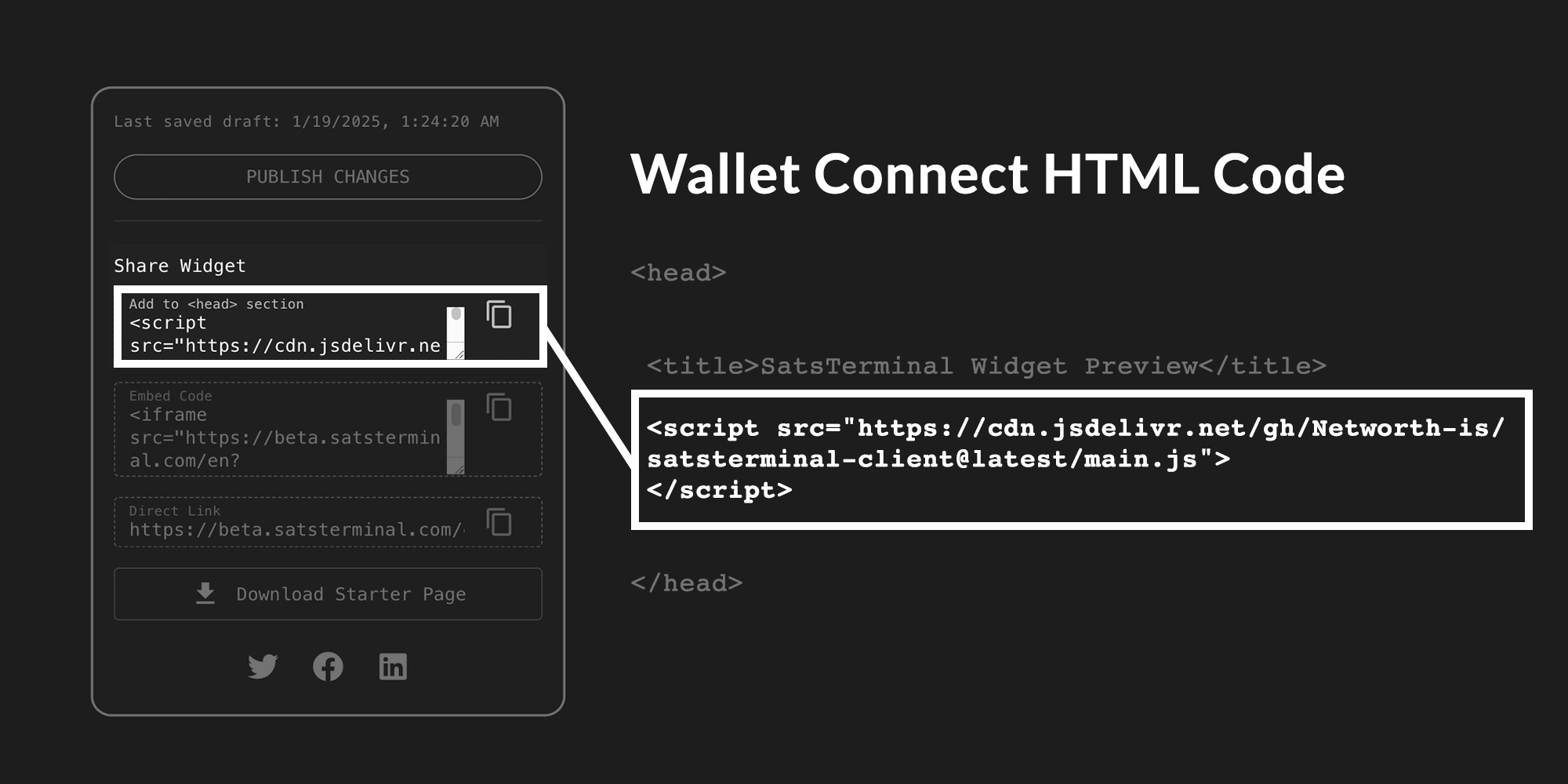
**HEAD HTML CODE ("Add to the \ section")**
Make sure to copy and paste the following code inside your **\\** tags:
```
```
This is the code that allows for the wallet connect function.
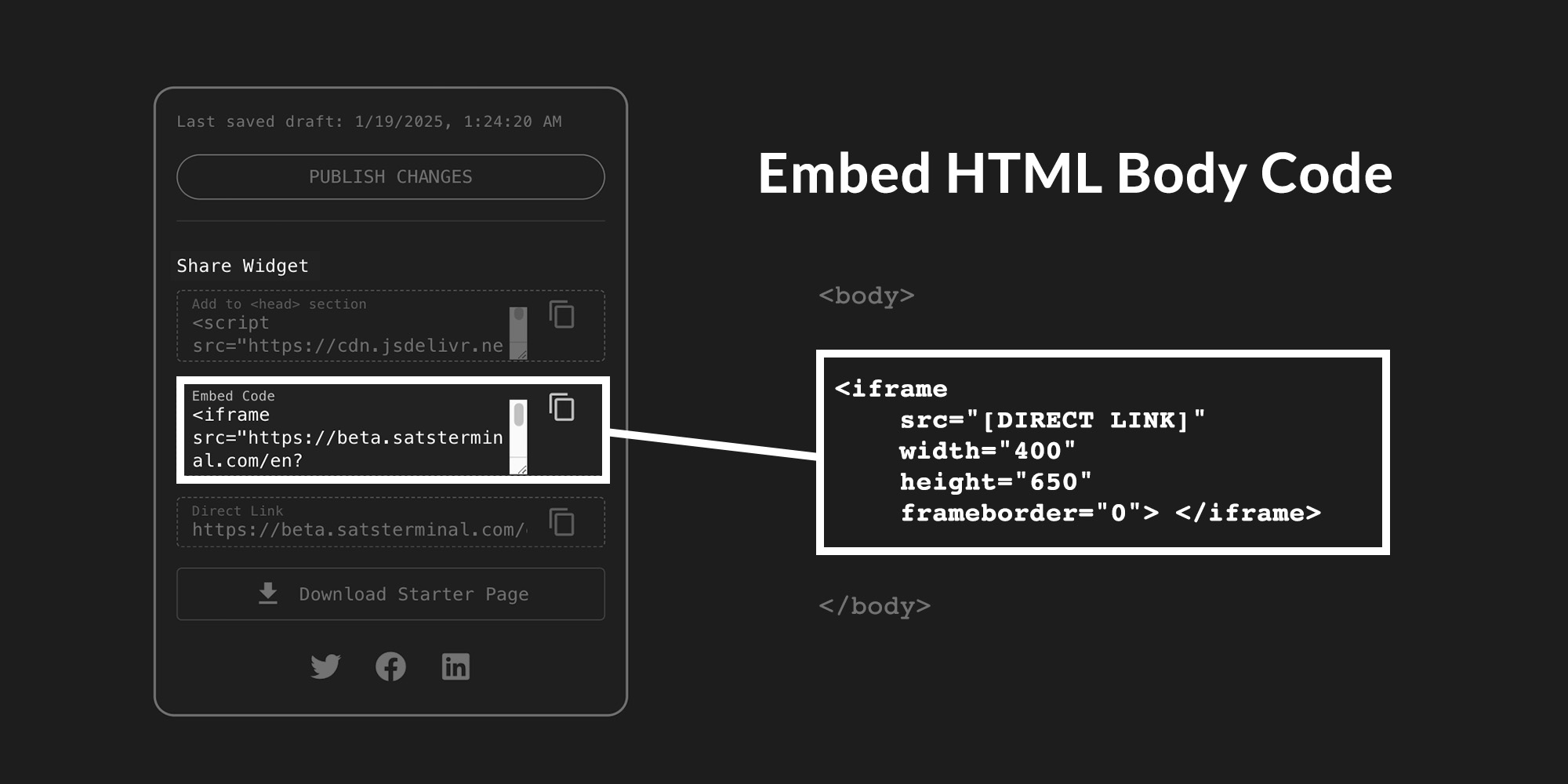
**BODY HTML CODE ("Embed Code")**
The body code gets copied and pasted in between the **\\** tags in your HTML page. This is the main widget as it appears in your page.
**DIRECT LINK**
The direct link on it's own will look horrible if linked outside of the **Embed Code**. It is more useful as a means to updating your HTML code..
Direct links without a default rune will be shorter direct links with default rune names
**Direct Links WITHOUT a Default Rune set:**
```
[DIRECT_LINK]
```
**Direct Links WITH a Default Rune set:**
```
[DIRECT_LINK]+[DEFAULT•RUNE•NAME]
```
Remember that if you change between a default rune to no default rune and vice versa, to make sure to update the direct link.